
Autonomous LC100
Calgary, AB — Since 2012

An in-house Calgary innovation since 2012. Real-time autonomous control via analog mechanical feedback, AVC-LAN bus integration, Ladar ranging, Sony CMOS vision, and WestNetV2 city-wide WiFi telemetry.
WestNet's autonomous Land Cruiser project retrofits a stock 2000 Toyota Land Cruiser 100 Series (4.7L 2UZ-FE, VIN JTEHT05JX02039475) with a full Level 2 autonomous capability stack — all engineered in-house in Calgary without factory drive-by-wire.
The LC100 generation predates Toyota's adoption of ISO 11898 CAN. Its infotainment and climate systems communicate over Toyota AVC-LAN (Audio Visual Communication – Local Area Network), a proprietary differential serial bus operating at roughly 17.2 kbps. Vehicle telemetry (speed, odometer, fuel level, HVAC state) is decoded in real time by the aftermarket Android PX6 head unit's Luzheng / LZ CAN decoder box, which bridges AVC-LAN frames to a 115,200 baud serial stream on /dev/ttyS3.
Decoded telemetry is pushed every 2 seconds over WestNetV2 WiFi to the WestNet server (Intel QX9650, Windows 7) where it feeds both the real-time web dashboard and the main autonomous decision loop running at 0.002 ms cycle time. Legacy OBD-II diagnostics are accessed via the J2534 passthrough API (J2534.dll / J2534Ctrl.dll).
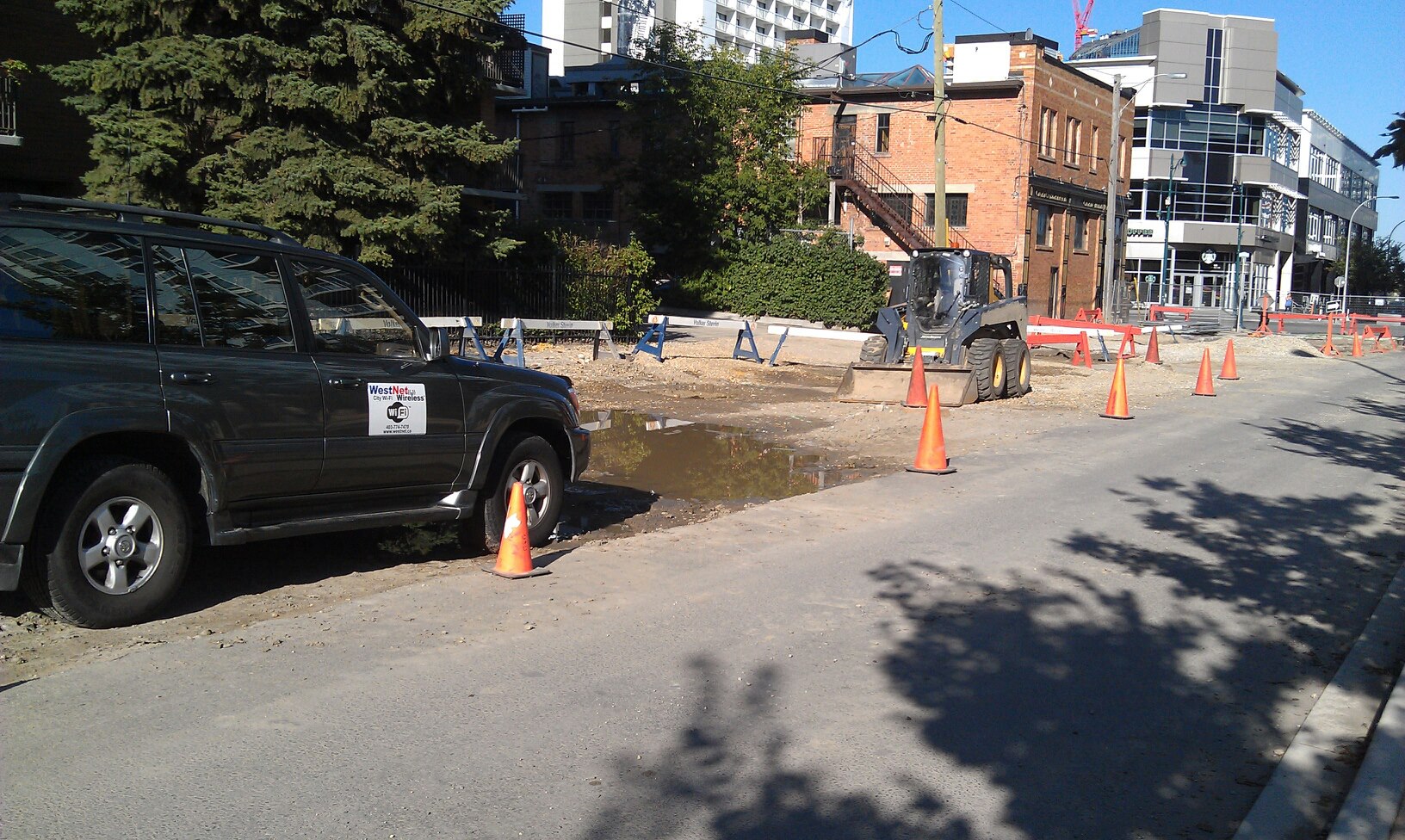
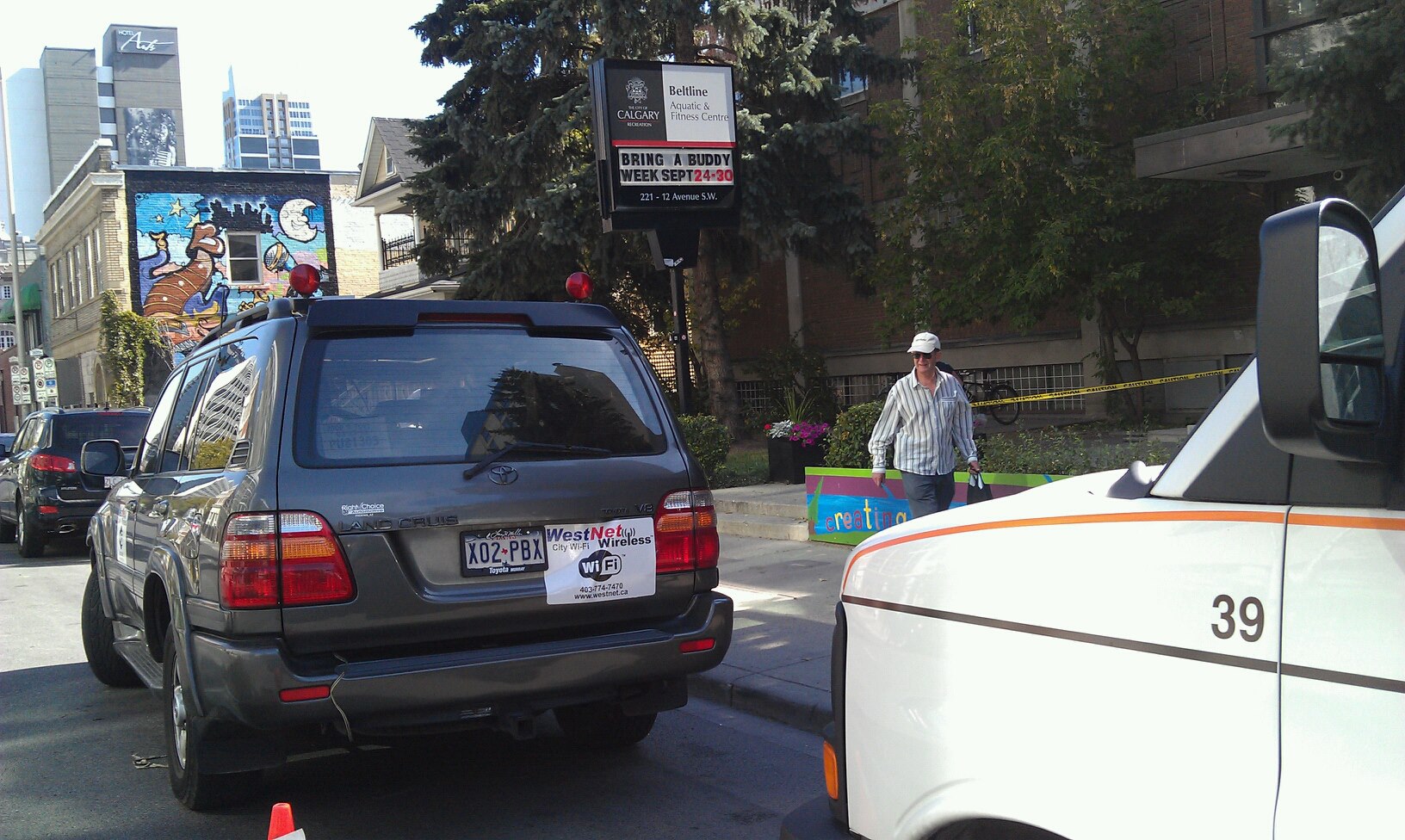
The 2000 LC100 predates Toyota's widespread CAN adoption. Its A/V, climate, and instrument systems communicate over AVC-LAN — Toyota's proprietary serial multiplex bus. This is NOT ISO 11898 CAN. The aftermarket Luzheng / LZ decoder box bridges AVC-LAN to a 115,200 baud UART stream consumed by the Android PX6 head unit's CamryService.
Three active message types are decoded by CamryService and logged via logcat:
| Message | Header Bytes | Key Fields | Decode |
|---|---|---|---|
| MileFuelInfo | 2E 70 09 | BYTE[6]=speed, BYTE[7-9]=odo, BYTE[10]=fuel | speed km/h = raw×0.5; odo=BCD×3; fuel=(raw/255)×100% |
| AirCmd | 2E 28 0B | BYTE[3]=flags, BYTE[4]=fan, BYTE[5]=temp_L | flags bit7=blower, bit6=AC; fan: 0x20=off, 0x21-0x24=spd 1-4 |
| sendBuickAirkey (HVAC command) |
0D 08 2E E0 02 | BYTE[5]=CMD, BYTE[6]=VAL (0x01 press / 0x00 release) | CKSUM = (0x1D − CMD − VAL) & 0xFF; wrapped in transport frame for ttyS3 |
# Real logcat output from CamryService (PID 1462) — live AVC-LAN frames
I/CamryService(1462): OnHandleCanMileFuelInfoCmd: 0x2e 0x70 0x09 0x00 0x00 0x00 0x00 0x00 0x00 0x00 0x00 0x00 0x86
I/CamryService(1462): ******OnHandleCanAirCmd*****: 0x2e 0x28 0x0b 0xc0 0x21 0x1f 0x1f 0x02 0x00 0x00 0x00 0x00 0x00 0x02 0xa9
I/CamryService(1462): sendBuickAirkey: 0x0d 0x08 0x2e 0xe0 0x02 0x0a 0x01 0x12   # Fan UP press
I/CamryService(1462): sendBuickAirkey: 0x0d 0x08 0x2e 0xe0 0x02 0x0a 0x00 0x13   # Fan UP release

# AirCmd byte[3]=0xC0 means: bit7=1 (blower ON), bit6=1 (AC compressor ON)
# byte[4]=0x21 = fan speed 1;  byte[5]=0x1F = 31°C left zone setpoint
Telemetry flows from the AVC-LAN bus on the vehicle through the Android PX6 head unit, across WestNetV2 WiFi, into the WestNet server and on to the live dashboard. The full chain has a post interval of 2 seconds with sub-100 ms server processing.
## lc100_pusher.sh — core decode loop (running on Android PX6)
# Reads CamryService logcat, decodes AVC-LAN packet fields, POSTs JSON

PUSH_URL="http://10.10.10.190/autonomous/status/push.php"
POST_INTERVAL=2
LOGCAT_PID=1462                  # CamryService PID on Android

# MileFuelInfo: 0x2E 0x70 0x09  (13 bytes)
# BYTE[6] = speed raw  → km/h = raw × 0.5
# BYTE[7..9] = odometer BCD-encoded × 3 bytes
# BYTE[10]   = fuel raw 0-255  → pct = (raw/255)×100
SPEED=$(awk '{printf "%.1f",$1*0.5}' <<< "$MB_6_dec")

# HVAC command transport frame (EventCenter → /dev/ttyS3):
# [0x0D][0x0A][LEN][0x0D][0x08][0x2E][0xE0][0x02][CMD][VAL][APP_CKSUM][TRANSPORT_CKSUM][0x00]
# Fan UP wire bytes: 0d0a090d082ee0020a0112b400  (press)
#                   0d0a090d082ee0020a0013b400  (release)
/data/local/tmp/lc100_state/push.php — receives JSON POST, writes statedata.php — serves telemetry JSON to dashboardcommand.php — queues HVAC commands backsse.php — Server-Sent Events streamThe LC100's size and mechanical robustness make it ideal for autonomous retrofit. Rather than relying on factory drive-by-wire, WestNet's system exerts direct mechanical authority through electro-hydraulic steering override, dual-channel vacuum brake boost, and an analog throttle feedback loop.
Custom PID algorithms read sub-millimeter position sensors at 500 Hz and issue corrections within the 0.002 ms main loop. The result is precise trajectory control that degrades gracefully — if any compute link is interrupted, the vehicle returns to full manual driver authority.
// Mechanical control cycle — runs on QX9650, Windows 7
// PID loops operate at 500 Hz sensor update rate
void executeMechanicalControl() {
    SensorFrame sf = readAnalogFeedback();   // steering angle, throttle pos, brake pressure
    PIDOutput cmd  = pidController.update(sf, targetTrajectory);
    applyActuation(cmd);                     // electro-hydraulic + servo outputs
}

// Analog feedback — NO drive-by-wire dependency
// Fail-safe: driver can override with full mechanical authority at any time
The WestNet steering control module intercepts the LC100's hydraulic power steering with an electro-hydraulic actuator driven by the autonomous system. Real-time steering angle data is read back through a dedicated position sensor, closing the loop through the PID controller. The module interfaces with Windows 7 via the J2534 serial channel.

// Steering sensor integration — WestNet proprietary module
SteeringData readSteeringSensors() {
    RawData raw = j2534Channel.readSteeringPosition();  // via J2534 passthrough
    return processWithKalmanFilter(raw);                // smooth + correct latency
}

void integrateSteeringControl() {
    SteeringData input = readSteeringSensors();
    trajectoryPlanner.update(input);                    // Ladar + CMOS inform heading
    actuator.setAngle(trajectoryPlanner.targetAngle()); // electro-hydraulic output
}
All sensing hardware is custom-integrated — no third-party autonomous platforms. Every component was selected for compatibility with the LC100 chassis and WestNet's real-time Windows 7 control stack.
Laser radar (Ladar) provides the primary forward-range map used by the obstacle-avoidance and path-planning algorithms. Point data feeds into the main QX9650 loop via a dedicated serial channel and is fused with Sony CMOS frame data at 500 Hz.
Sony CMOS sensors provide lane-edge and object-classification data. Frames are processed in real time on the QX9650 using WestNet's C++ vision pipeline. The analog video path eliminates USB/PCIe latency common in off-the-shelf camera modules.
WestNet's proprietary city-wide WiFi network (WestNetV2) provides the telemetry uplink from the vehicle to the command server. The Android PX6 head unit posts JSON state every 2 seconds; the server can send HVAC and diagnostic commands in return.
The J2534 passthrough API (J2534.dll, J2534Ctrl.dll) provides a standards-compliant bridge for OBD-II and Toyota-proprietary diagnostic commands over ISO 9141-2. Used for fault-code reading and ECU parameter access independent of the AVC-LAN channel.
Full hardware and software architecture of the WestNet LC100 autonomous stack. The system is split into three layers: vehicle interface (AVC-LAN + J2534), edge compute (Android PX6), and cloud compute (QX9650 server).
WestNet's proprietary city-wide WiFi (WestNetV2) serves as the telemetry backhaul for the LC100 project. The Android PX6 head unit connects to WestNetV2 and POSTs a JSON telemetry payload every 2 seconds using ncpost.sh (a busybox nc-based HTTP POST script that replaced broken wget on the Android build).
The command channel runs in the opposite direction: command.php on the server queues HVAC commands (fan speed, temperature setpoint, A/C toggle) which lc100_pusher.sh polls and executes by writing the AVC-LAN transport frame directly to /dev/ttyS3.
// Telemetry POST — every 2 seconds from Android PX6
{
  "speed":     "68.5",          // km/h (AVC-LAN MileFuelInfo BYTE[6] × 0.5)
  "odometer":  "187432",        // km (BCD-decoded BYTE[7..9])
  "fuel_pct":  "74",            // % (BYTE[10] / 255 × 100)
  "hvac_fan":  "2",             // fan speed 1-4 (AirCmd BYTE[4])
  "hvac_temp": "22",            // °C setpoint (AirCmd BYTE[5])
  "ac_on":     "1",             // 1=compressor on (AirCmd BYTE[3] bit6)
  "ts":        "1743721486"     // Unix timestamp from Android
}
The canvas below visualises synthetic telemetry streams — representative of the live AVC-LAN data decoded by CamryService on the Android PX6. The live dashboard at status/ shows real vehicle data with Leaflet GPS map, HVAC controls, and packet log.